Easy to access
Find school policy information online through SchoolDocs.


Haeata Community Campus · School Information
Clear information. Shared understanding.
Our policies help guide the way we learn, work and care for one another at Haeata. SchoolDocs brings our school policies and procedures together in one place for ākonga, whānau, kaimahi and our wider community.
SchoolDocs opens on an external website.

Online access to Haeata policy information
One trusted place
SchoolDocs is an online policy and procedure service for New Zealand schools. It helps Haeata organise policies, maintain information and support regular reviews. You can access the school's available policies using the official SchoolDocs service.
Find school policy information online through SchoolDocs.
Browse topics and use SchoolDocs tools to locate what you need.
SchoolDocs supports school policy updates and community review opportunities.
A simple four-step guide
The SchoolDocs login experience may vary depending on your device and the platform’s current sign-in process. Follow these steps to get started.
Visit the official SchoolDocs login page.
Use the “Find Your School” option, or follow the community login instructions shown by SchoolDocs.
Use the following access details:
Username: haeata
Password: 8061
Search for the topic you need and follow any available review guidance.
Use Haeata's approved community-access details. If you need help signing in, contact the school office.
Not sure what to look for? These are common topics to try when browsing SchoolDocs. They are examples, not necessarily the exact category names in Haeata’s library.
Find guidance on school safety and care.
Explore relevant learning and support procedures.
Locate policies for questions or concerns.
Find school management and governance topics.
Locate guidance on handling information.
Find EOTC policy information.
Board policy references
The existing page identifies the following six policies as previously reviewed and ratified by the Board. Please consult SchoolDocs for available policy text and confirm current status and review dates directly with Haeata. These titles are not a statement that each policy has been newly reviewed.
Guidance on raising concerns and accessing the school’s approved complaints process.
Find on SchoolDocs →Policy information relating to performance management.
Find on SchoolDocs →Policy information about protected disclosure processes.
Find on SchoolDocs →School financial governance and related procedures.
Find on SchoolDocs →Policy guidance about sabbatical leave.
Find on SchoolDocs →Policies and procedures for education beyond the classroom.
Find on SchoolDocs →Whānau & community participation
Parents, caregivers, whānau, ākonga, kaimahi and School Board members can take part in SchoolDocs policy reviews. Your feedback helps our school community think carefully about how policies work in practice.
SchoolDocs invites school communities to review selected policies and procedures each term. The policies open for review, and the instructions for contributing, are listed in the Current Review and Review Instructions areas of SchoolDocs. Not all policies are under review at the same time.
The SchoolDocs team updates policy content throughout the year to reflect legislative and regulatory changes and improve clarity. Its What's New page summarises scheduled and internal review changes.
Each term, the wider school community is invited to read and comment on selected policies. Follow the current on-screen instructions: the review process may change while SchoolDocs updates its platform.
School community members can send feedback at any time using the green feedback button at the top right of the SchoolDocs page, where available.
01
Sign in to Haeata’s policy site and look for Current Review or Review Instructions.
02
Select a policy that is open for review, read it carefully and consider its content and how it works in our kura.
03
Use the review or feedback option shown by SchoolDocs and follow its current instructions.
Where should feedback go?
If your feedback is about how Haeata is putting a policy into practice, email the school directly at office@haeata.school.nz.
If you have a suggestion about improving the policy wording or content for all schools, SchoolDocs advises emailing team@schooldocs.co.nz. SchoolDocs' review instructions take precedence if they change.
Policy reviews are open to parents, caregivers, whānau, staff, students and Board members. The Board has its own responsibilities, but review opportunities are not limited to Board members.
Finding guidance
If you need the school’s formal process for raising a concern or complaint, refer to the current Concerns and Complaints policy on SchoolDocs. This policy, rather than this webpage summary, is authoritative.
Find the Concerns and Complaints PolicySchoolDocs is an online policy and procedure service for New Zealand schools.
Visit the official SchoolDocs login page, locate Haeata and follow the school-approved access instructions.
After accessing the school’s policy site, use the browsing and search options available within SchoolDocs.
Yes. Parents, caregivers, whānau, students, staff and Board members can participate in reviews of selected policies each term. After signing in, select Current Review or Review Instructions, read a policy and follow the current on-screen feedback instructions. For Haeata implementation feedback, email the school; for suggestions to improve policy wording for all schools, email team@schooldocs.co.nz.
No. SchoolDocs contains policies and procedures made available through Haeata’s policy site; it is not a public archive of confidential school records.
Please contact the Haeata school office if you have difficulty accessing or locating policy information.
Our school office can help you find the right information or direct you to the appropriate contact.
Phone: 03 930 0110
Email: office@haeata.school.nz
Address: 240 Breezes Road, Wainoni, Christchurch 8061
Explore Haeata’s school policies and procedures in SchoolDocs, and contact our kura if you need a hand.
Access Haeata PoliciesParents, please support our local businesses


Visit Website

Scan this code to download the app
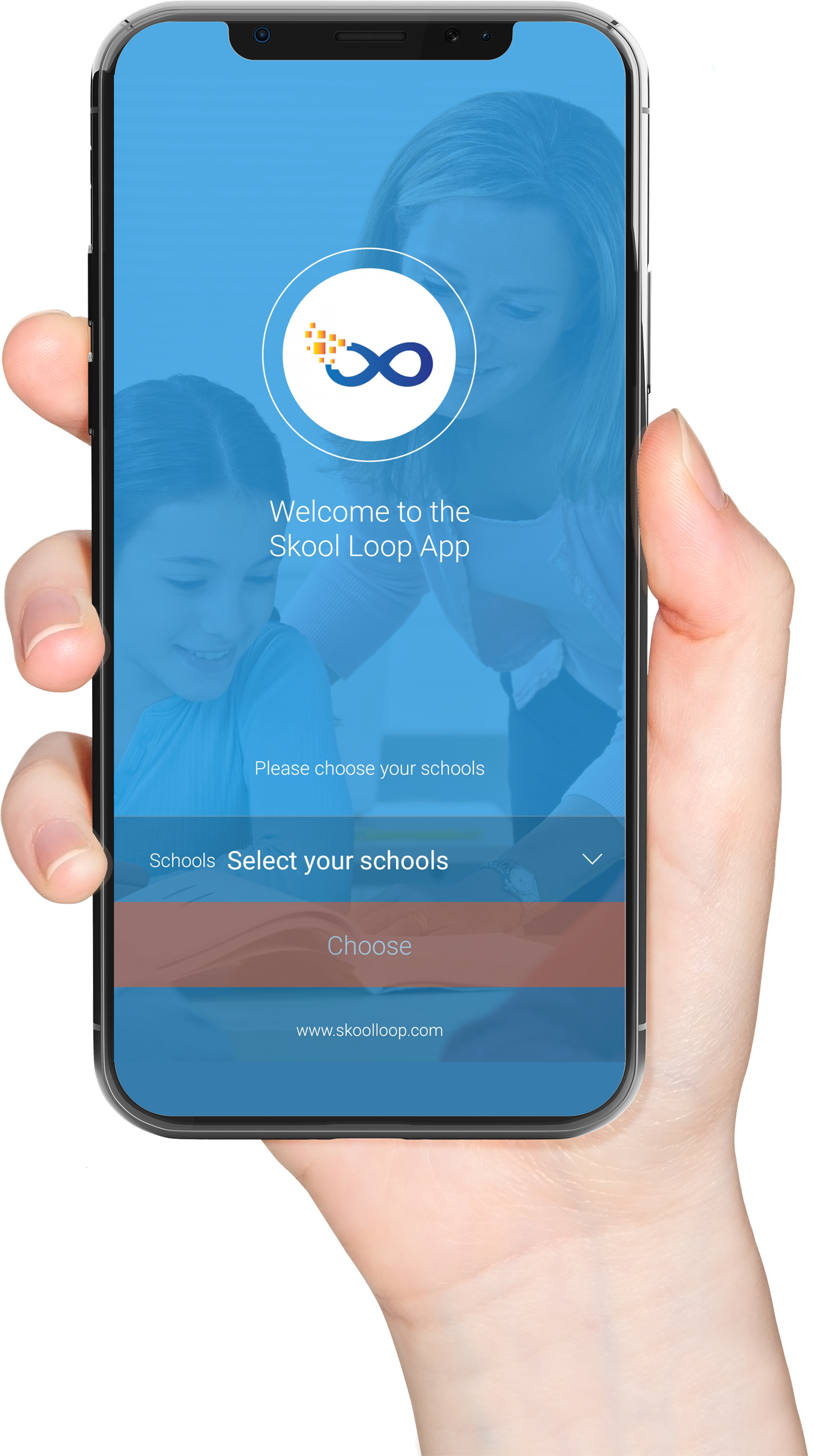
Download our Skool Loop App, a simple and free download. In Google Play & App Store search ‘Skool Loop’ and choose our school once installed.