Checklist

HAEATA COMMUNITY CAMPUS / ENROL / YOUR NEXT STEP

Enrolment Checklist

Your Journey to Haeata Starts Here.

Kia ora and welcome! Whether you're joining us in Year 1 or Year 13, this guide helps your whānau understand each step, prepare the right documents and get ready for your child's first day. One step at a time — we're here to help.

DOMESTIC ENROLMENT · YEARS 1–13 · ŌTAUTAHI CHRISTCHURCH

Before You Begin

Three things to know before getting started.

01 / Enrol online

Applications are completed through Haeata’s official Edge online enrolment form. Whānau can use a device at school with administration support if needed.

02 / Get documents ready

Prepare identity and eligibility evidence, relevant address information and any documents that apply to your family.

03 / We’ll arrange a hui

After the application is received, Haeata will be in touch about an enrolment hui and next steps. Published guidance mentions contact within three days; confirm current timing with the school.

Your Six-Step Enrolment Journey

Follow the timeline from checking your zone to preparing for your first day. Tick tasks as you complete them; these ticks are for your own planning and are not an official application status.

01

STEP 01 OF 06 · YOUR ADDRESS

Check Your School Zone

Check your home address against the appropriate school-zone boundary for your child’s year level. If you are unsure or applying from out of zone, talk with our enrolment team.

Your checklist

Important: Different written school-zone descriptions apply to Years 1–8 and Years 9–13. The official written boundary takes precedence over the map. Out-of-zone enrolment depends on the current scheme and available places.


02

STEP 02 OF 06 · PREPARE

Gather Your Documents

Having documents ready makes the secure online application easier. Requirements differ depending on your child’s citizenship, zoning status and programme choice.

Your checklist

Identity / eligibility

Use the relevant birth certificate, passport, residency or visa document for your child.

Proof of address

Required when applying as an in-zone student, such as a utility bill or tenancy agreement.

Other documents

The online form also lists an immunisation certificate and any relevant court orders. Some programmes require additional information.

03

STEP 03 OF 06 · APPLY

Complete Online Enrolment

Open Haeata’s secure Edge enrolment form. Complete the relevant sections, upload the applicable documents, review your answers and submit the application.

Your checklist

The online form asks for student and caregiver details, relevant medical information and consents, zoning information and document uploads. It currently displays fields for two caregivers; contact Haeata if your family circumstances differ. Do not upload sensitive documents to this information webpage.

04

STEP 04 OF 06 · NEXT STEPS

Hear From Our Enrolment Team

Once your online application is received, the school will contact you to organise an enrolment hui and address any missing documentation.

Your checklist

Your role: Watch for a call or email and respond to requests. Haeata’s role: Review the submission, request missing information if necessary and arrange your hui. The published contact estimate is a maximum of three days, but it is not an approval guarantee.

05

STEP 05 OF 06 · MEET OUR PEOPLE

Attend Your Enrolment Hui

The enrolment hui is an opportunity to meet Haeata staff, share what matters for your child and plan a supported start at kura.

Your checklist
At the hui you may discuss: your child’s interests and strengths, learning and wellbeing needs, cultural and language preferences, and transition arrangements. Haeata’s published process says a Puna Ako group and start date are arranged at this stage, subject to confirmation.
06

STEP 06 OF 06 · WELCOME

Get Ready for Your First Day

After your place and start arrangements are confirmed by Haeata, you can prepare for a positive first day.

Your checklist

What Documents Will I Need?

Use this preparation checklist before starting the application. Not every document applies to every child.

General documents

Only when applicable

Information to have handy

Tick boxes work while this page is open. They do not save your progress, upload documents or submit an application. Use the official secure enrolment form for personal information.

Different Enrolment Pathways

The timeline above is for the general domestic school enrolment process. Some circumstances have additional requirements.

In-zone and out-of-zone

Home-zone eligibility and out-of-zone processes differ. Check the official written scheme and ask about any current out-of-zone dates.

Kōmanawa — Māori bilingual

The current enrolment form offers a Kōmanawa expression of interest and requests a pepeha. Confirm current programme arrangements with Haeata.

L’Aurore — French bilingual

The enrolment form includes a French bilingual programme option. Ask the school about any further requirements.

International students

Fee-paying international applications follow a separate process involving visa, fees, insurance and welfare requirements. Use Haeata International guidance.

Frequently Asked Questions

Answers to the most common questions about enrolling at Haeata.

Do I have to enrol online?

Haeata’s published domestic process uses the official online enrolment form. Administration staff can assist whānau using a device at school.

What documents do I need?

Prepare the relevant identity or eligibility evidence, in-zone address proof when applicable, and other documents listed on the form, including immunisation information and applicable court orders.

Do I need proof of address?

The current online form asks in-zone applicants to provide proof of address.

Can I apply if I live outside the zone?

Ask the enrolment team about the current out-of-zone process and available places. A place is not guaranteed.

Do the same school-zone boundaries apply to all years?

No. Haeata publishes different written zones for Years 1–8 and Years 9–13.

Can I complete the form on a phone?

The online system may be accessible from a suitable mobile device, but check usability. Whānau can contact the school to use an onsite device with support.

What if I do not have all my documents?

Contact enrol@haeata.school.nz and ask for guidance before or during your application.

When will Haeata contact me?

The currently published enrolment page says within a maximum of three days of online completion. Confirm this timeframe with the school; it is not a promise of enrolment approval.

What happens at the enrolment hui?

You meet relevant Haeata staff, discuss your child’s learning and transition, and confirm next steps and starting arrangements.

Does my child need to attend the hui?

Please confirm attendance expectations with the enrolment team.

When can my child start?

The school will arrange and confirm a start date through the enrolment process.

Can I express interest in Kōmanawa?

Yes. The current online form includes a Kōmanawa option and requests a pepeha. Programme availability and requirements should be checked with Haeata.

How do I enquire about L’Aurore?

Indicate interest in the form and contact the school for the current French bilingual enrolment process.

What if my child needs additional support?

You can discuss learning, accessibility, health or wellbeing needs privately with the enrolment team.

Where can I find uniform and stationery information?

Use the Our Uniform and Stationery links in Step 6.

Who can help me complete the form?

Email enrol@haeata.school.nz or call 03 930 0110. Ask about onsite access and administrative assistance.

Is international enrolment different?

Yes. Fee-paying international enrolment has a separate pathway. Contact Haeata International for guidance.

NEED A HAND?

We’re Here to Help You Every Step of the Way.

If you have questions about your zone, supporting documents or the online form, our enrolment team can help. You can also ask about using an onsite device with administration support.

Email: enrol@haeata.school.nz   Phone: 03 930 0110

240 Breezes Road, Wainoni, Christchurch 8061

Nau mai, haere mai — we look forward to welcoming you to Haeata!

Supporters and Sponsors

Parents, please support our local businesses

KIDOGO
QR code for downloading the app

Scan this code to download the app

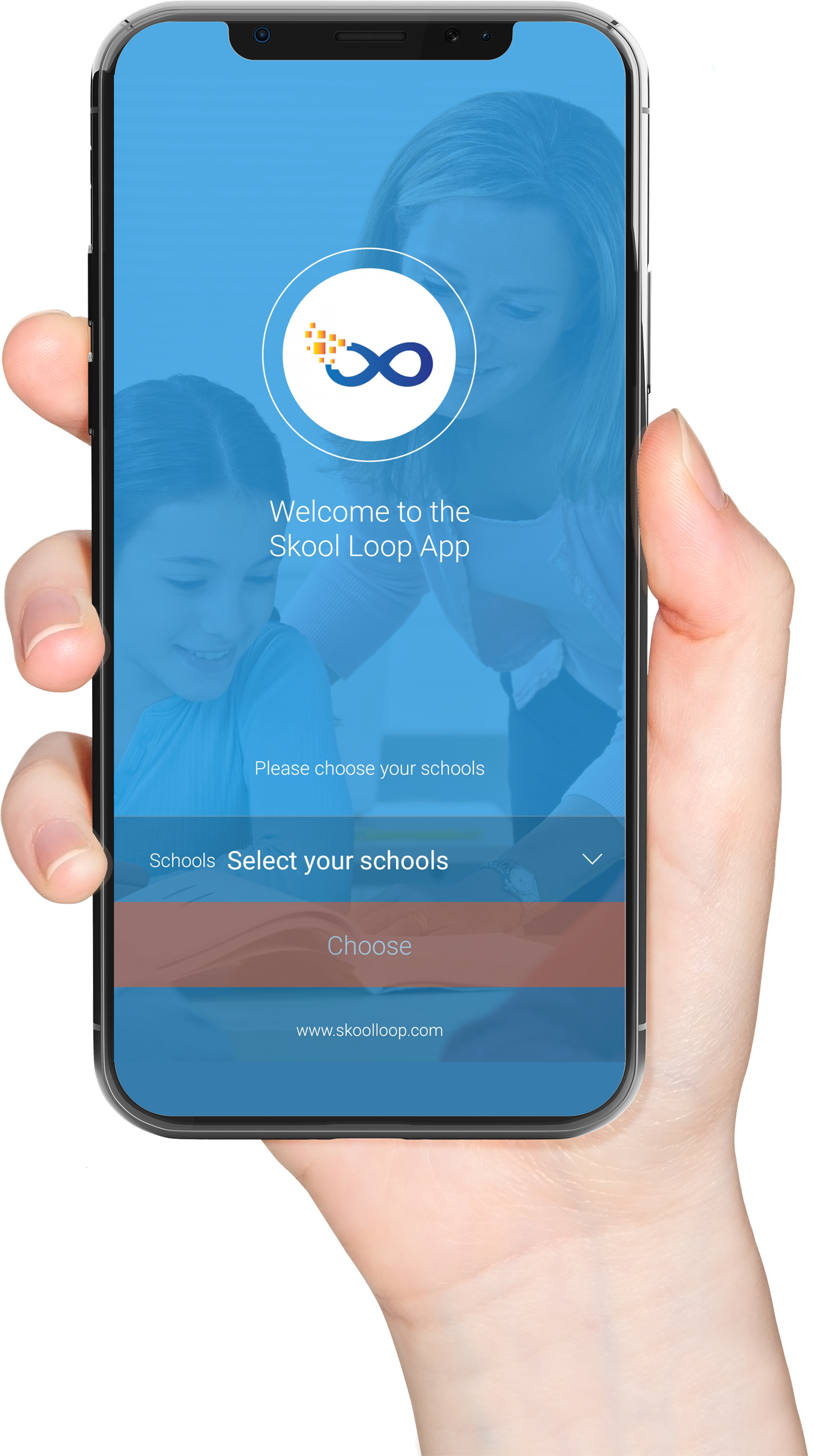
Get the Skool Loop - School App

Download our Skool Loop App, a simple and free download. In Google Play & App Store search ‘Skool Loop’ and choose our school once installed.

Download on the App Store Get it on Google Play
Hand holding phone

Login to Haeata Community Campus